100% on-device — auto cutout & export on your iPhone

One-Tap
China Visa ID Photos
Auto cutout. White background.

From messy home backgrounds to embassy-style 420×560 px digital exports — same proven pipeline as our US app, tuned for China’s online digital photo window.

Open in App Store iOS 17+ · iPhone

$1.99 per photo · no subscription · free unlimited retries
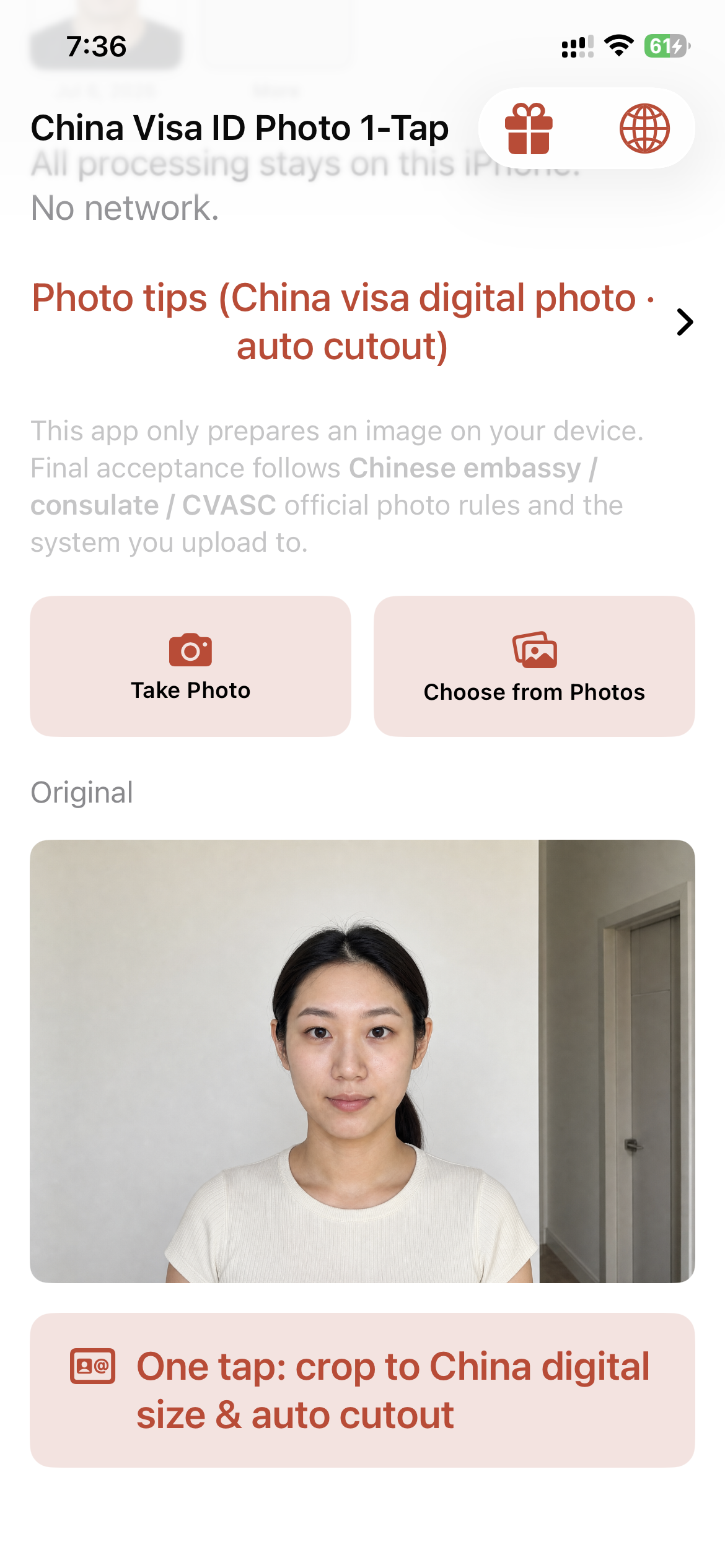
The China Visa ID Photo 1-Tap app showing the Original photo screen with a crop and remove background button
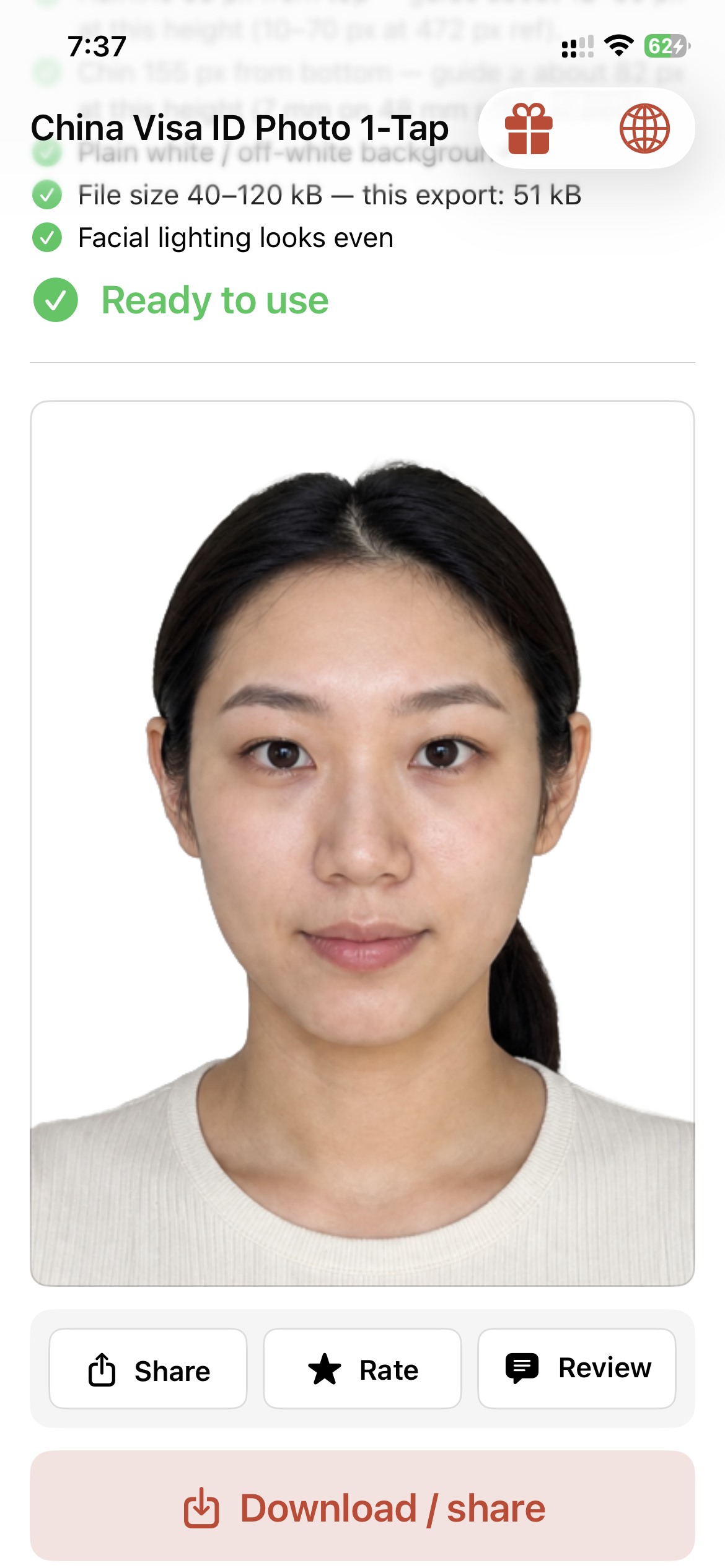
The same photo in the China Visa ID Photo 1-Tap app: background removed, cropped, compliance checklist passed, marked Ready to use
Automatic background removal
354–420 × 472–560 px window
Apple Vision on-device
No photo uploads to us

Any background in.
White-backdrop China digital out.

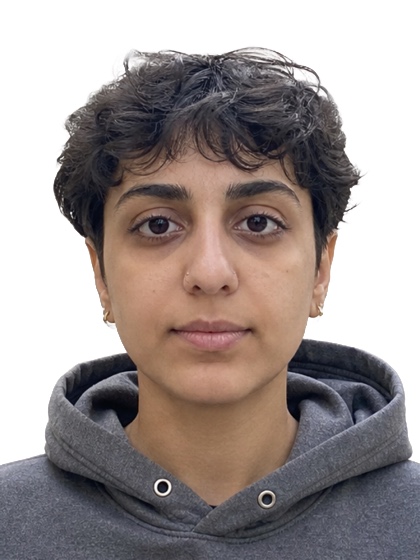
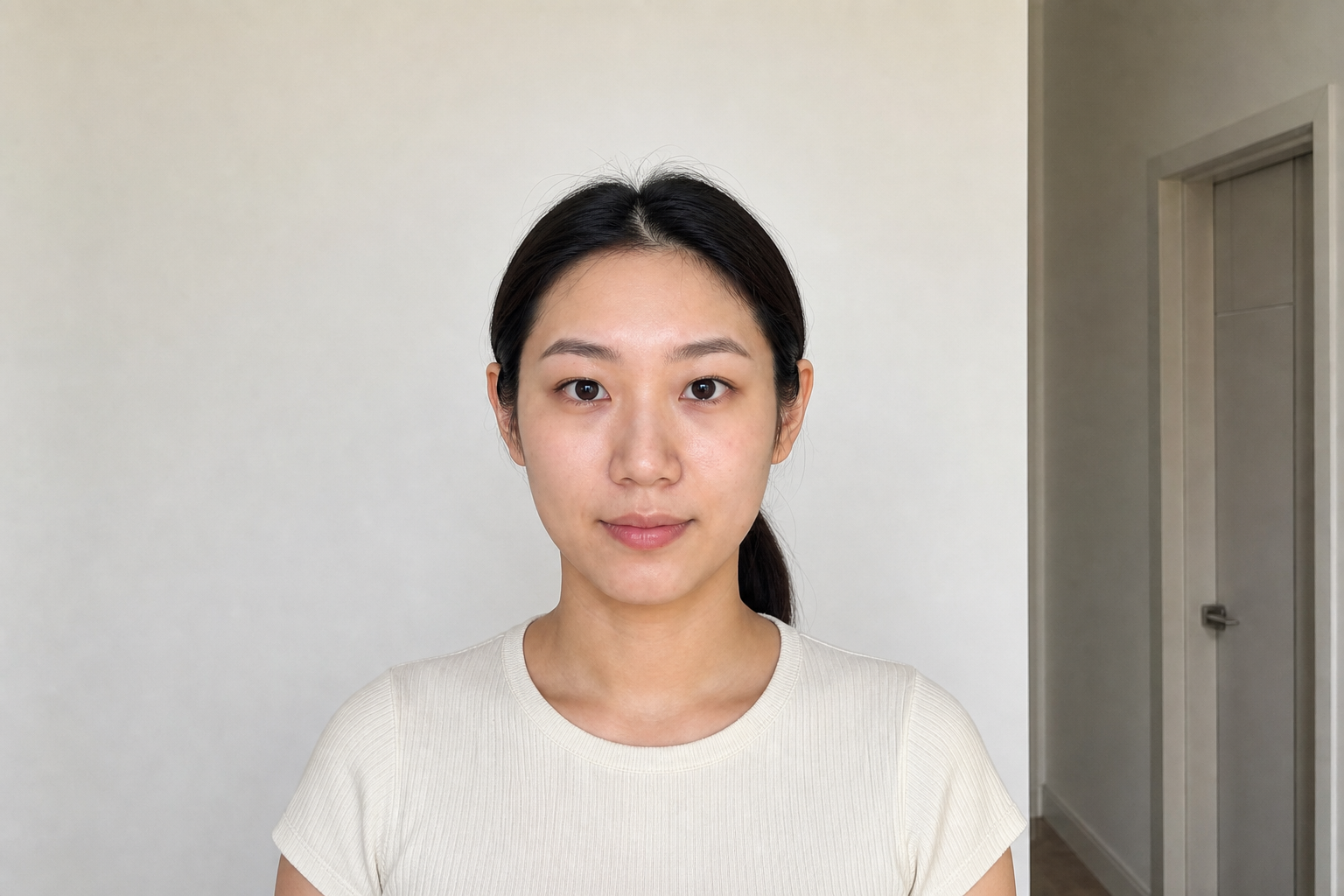
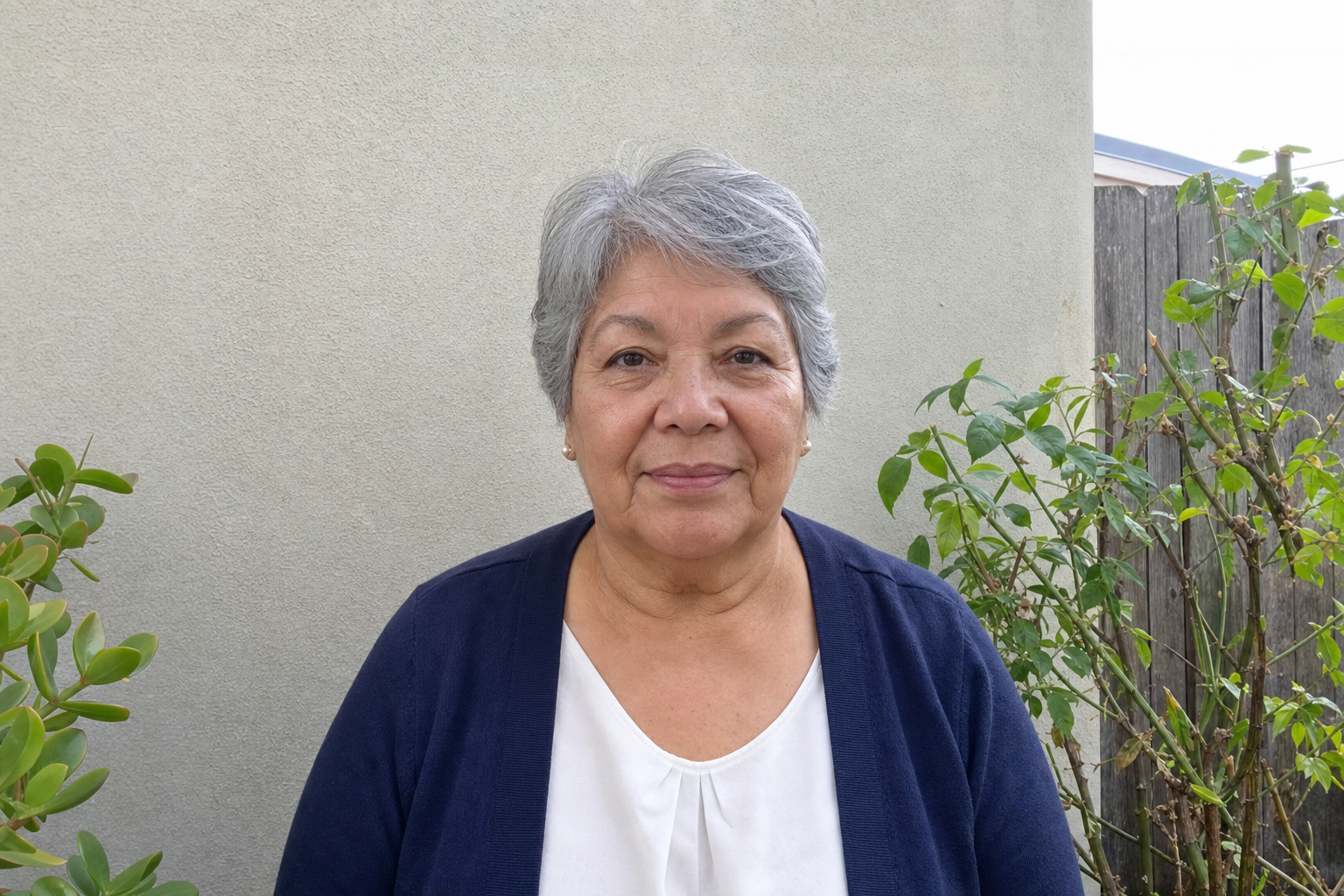
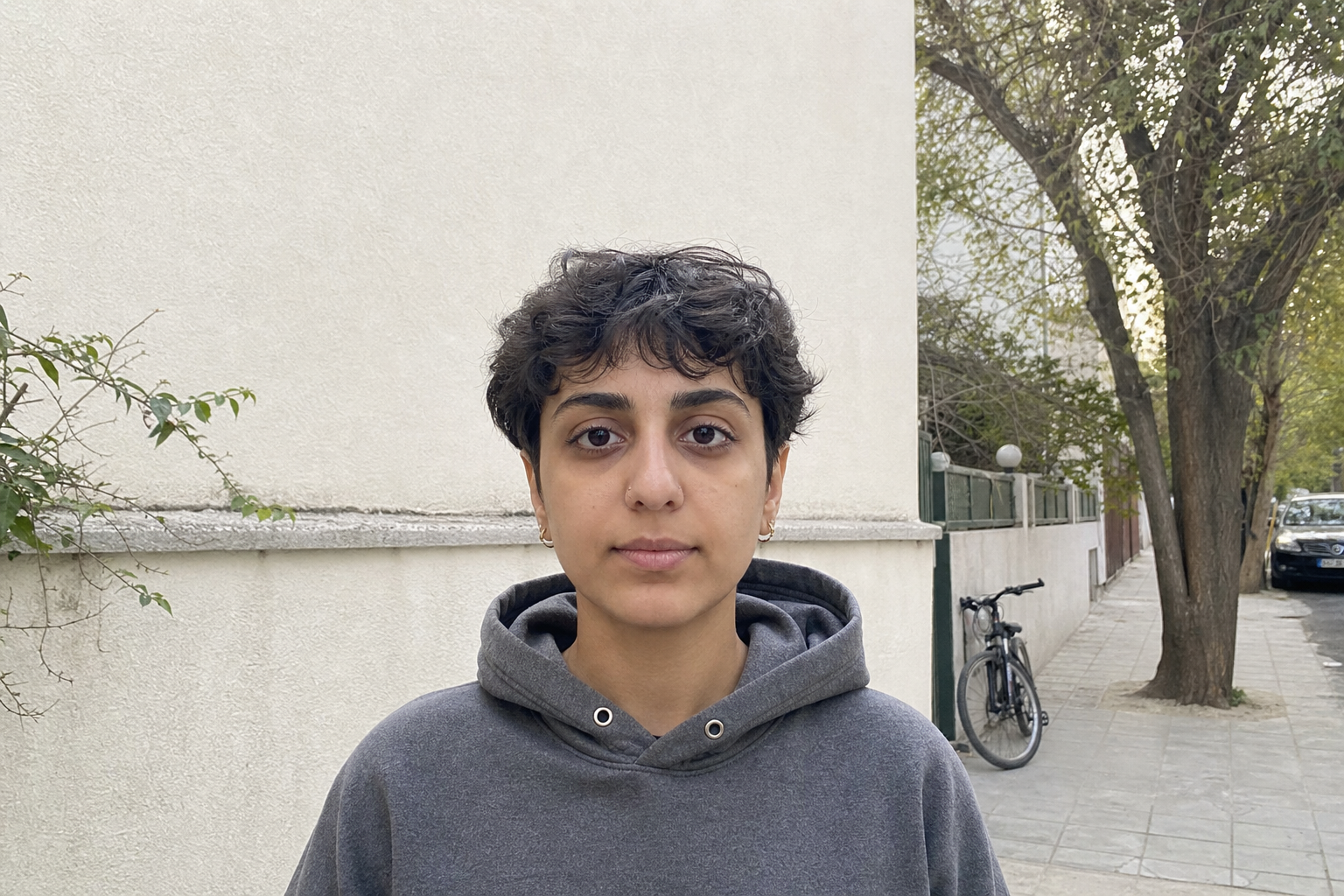
Real examples: living room, kitchen, outdoors — then clean cutouts on white, cropped to 33×48 visa proportions (same as embassy print reference).

China visa style result 1
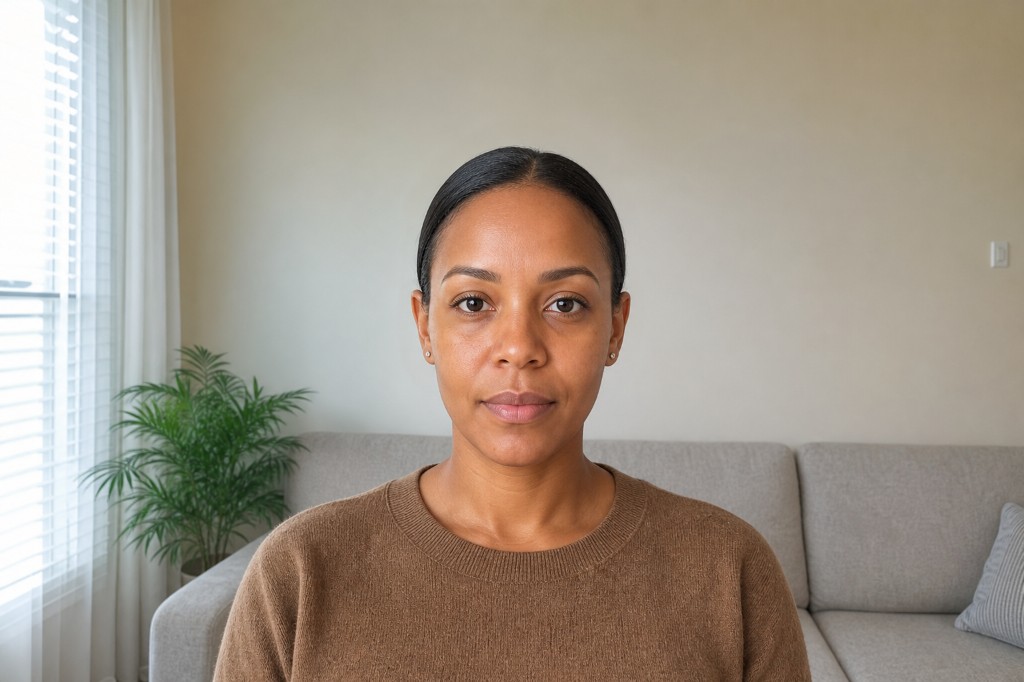
China visa result of a young woman with a ponytail
China visa style result 3
China visa style result 4
China visa style result 5
China visa style result 6

Originals (before) · full aspect, Photos-style

Original 1
Kitchen
Young woman with a ponytail before processing
Home portrait
Original 3
Patio
Original 4
Outdoor corridor
Original 5
Sidewalk
Original 6
Living room

Inside the app

A closer look, without the full tour.

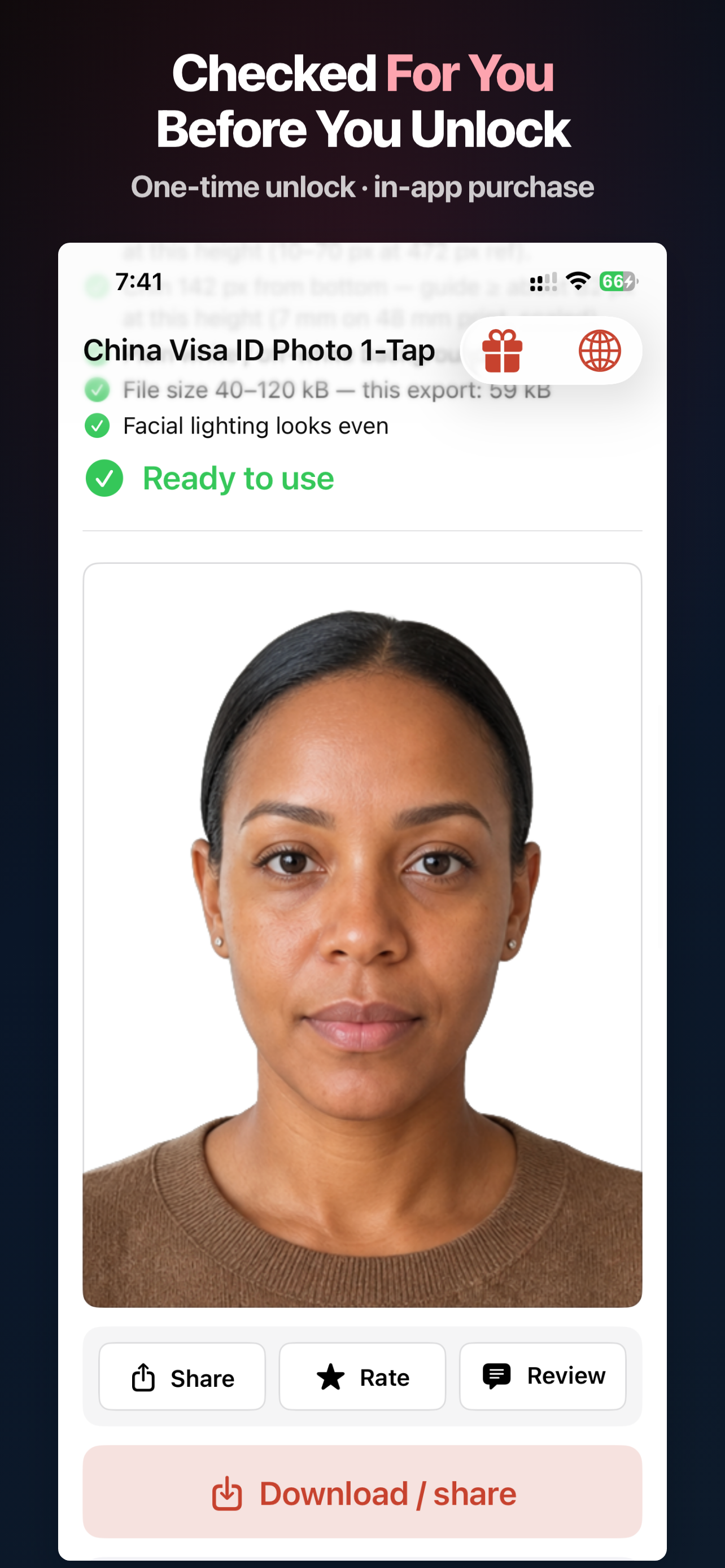
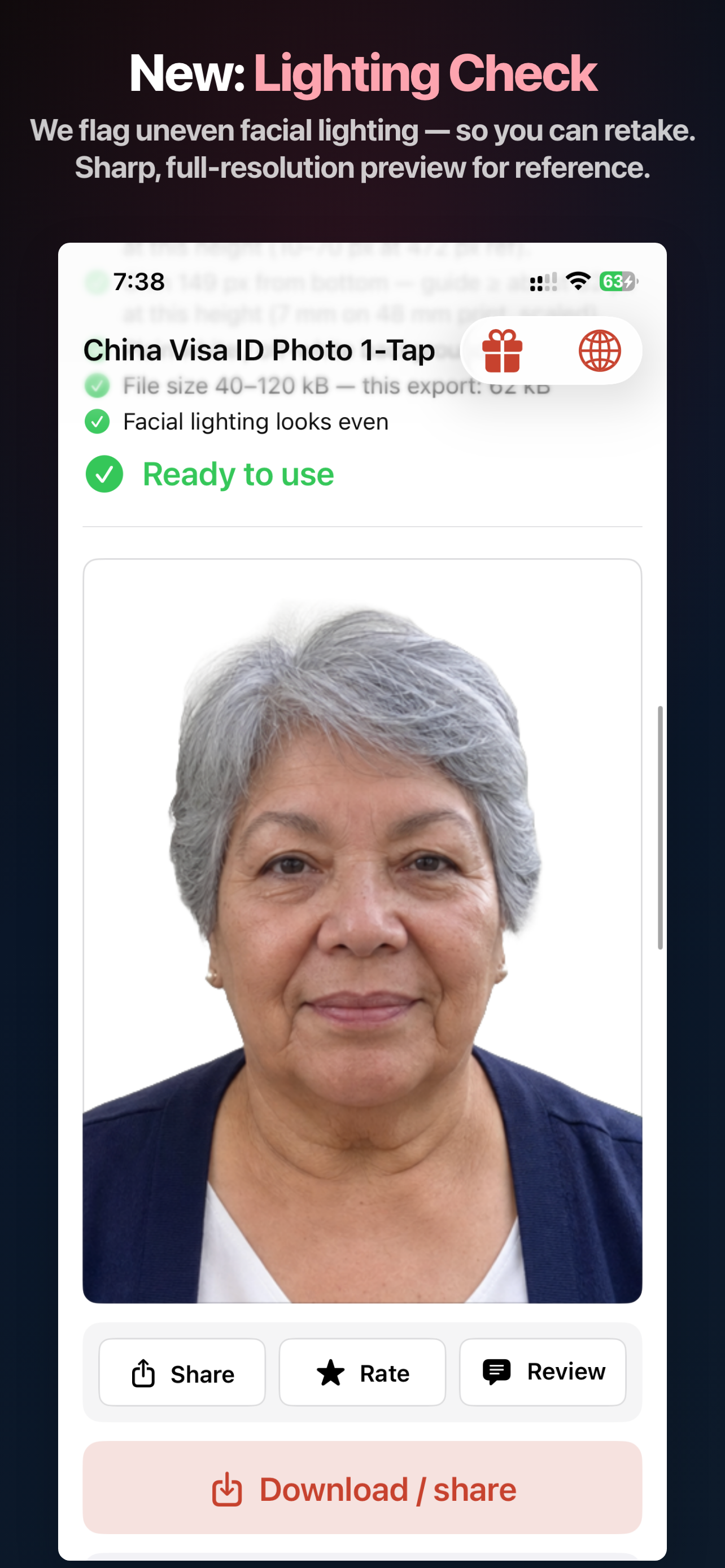
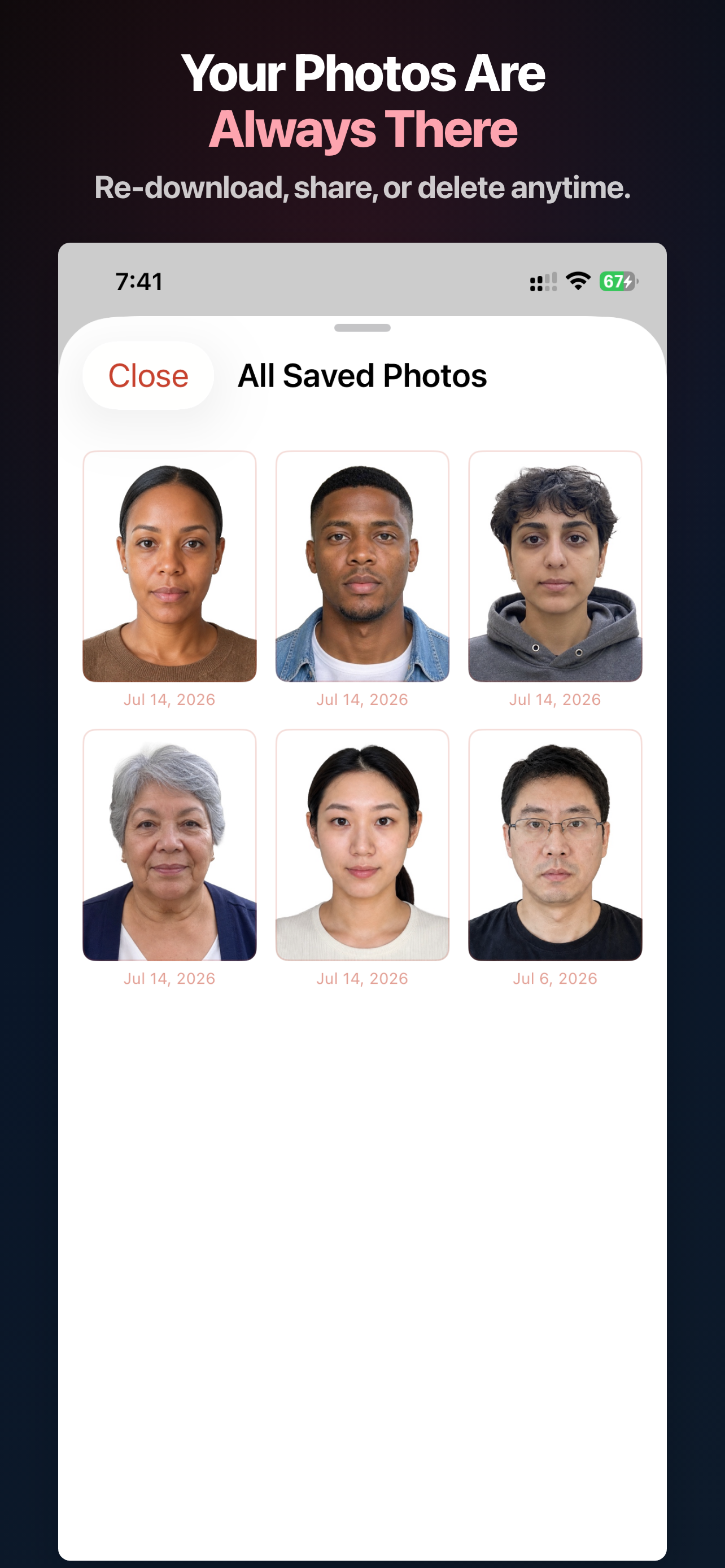
Three real App Store screens show the checks, lighting check, and saved exports behind your result.

China Visa Photo App Store screen showing the digital export checklist before unlock China Visa Photo App Store screen showing the lighting check before export China Visa Photo App Store screen showing Saved Photos on this iPhone

What we optimize for (China digital)

The app guides composition toward common embassy / online-form examples. Always confirm the latest rules from your embassy, CVASC, or upload portal.

  • Digital canvas window — export within the commonly cited 354–420 × 472–560 px range; we default to the largest allowed 420×560 for clarity.
  • JPEG size policy — many online flows ask for 40–120 kB (24-bit RGB); the app encodes toward that checklist policy.
  • Eye height from bottom — measured against the 354×472 reference (e.g. eyes ≥256 px from bottom at that height).
  • Head & face width — head height and face width bands shown with live readouts on the schematic.
  • White / near-white background — after automatic cutout.
  • Lighting — even light when shooting still helps; we don’t reshape facial geometry.
  • Privacy — segmentation and matting run on your iPhone; no separate upload to our servers for processing.

Final acceptance is always at the discretion of Chinese embassies / consulates / CVASC and the system you upload to.

Built for China visa digital workflows

One tap from photo library to a white-background portrait — then smart crop & checks for the digital frame.

Auto cutout & white backdrop

Apple Vision–powered segmentation removes busy backgrounds and drops you onto a clean plate — the starting point embassy-style digital photos expect.

China digital crop & checklist

Framing and readouts aligned to the common 354×472 reference proportions, exported up to 420×560 inside the allowed pixel window.

On-device only

Core image work stays on your phone. Purchase flows use Apple’s systems; we don’t run our own photo cloud for editing.

Same multilingual UI as US Visa Photo

Built-in language switcher: English, 简体中文, 繁體中文, Español, 日本語, Deutsch, Français — matching our USVisaPhoto app family.

Three steps

1

Pick a photo

Any clear front-facing shot from your library — more headroom makes composition easier.

2

One-tap process

Auto cutout to white, crop toward China digital proportions, then review the animated checklist.

3

Unlock & export

Single consumable purchase per export — save to Photos and upload to your visa portal.

Pay per export

No subscription — unlock one processed photo at a time, same model as US Visa Photo.

China Visa ID Photo 1-Tap
$1.99 / export
  • 420×560 px export (within embassy window)
  • Automatic cutout + white plate
  • China digital checklist in-app
  • On-device processing

Why not a copy shop?

Studios and print shops work great when you’re already there — this app is for when you already have a decent phone photo and want a digital file fast, privately, and repeatably.

Exact storefront price may vary by region; shown in USD on the U.S. App Store.

When people use it

China visa online forms COVA / appointment flows Digital “电子版” uploads Replacing a rejected photo

Your China visa digital photo
starts on your phone.

Download on the App Store — $1.99 per full-resolution export.

Price shown in USD on the U.S. App Store; exact storefront price may vary by region.

Open in App Store